Using Google Earth and Satellite Imagery in Property Tax Appeals
TL;DR
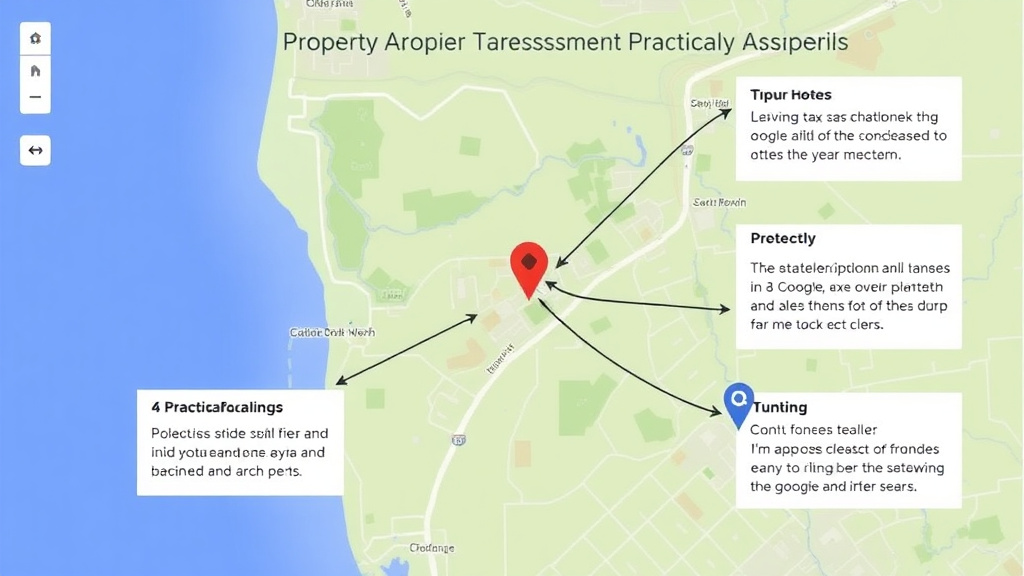
Satellite imagery from Google Earth can document property condition, lot issues, proximity to negative features, and neighborhood context. Use historical imagery to show changes over time. Capture screenshots showing your property's relationship to busy roads, commercial areas, power lines, or other value-reducing features. Print aerial views showing lot limitations like wetlands, slopes, or unusable areas. Label each image clearly.
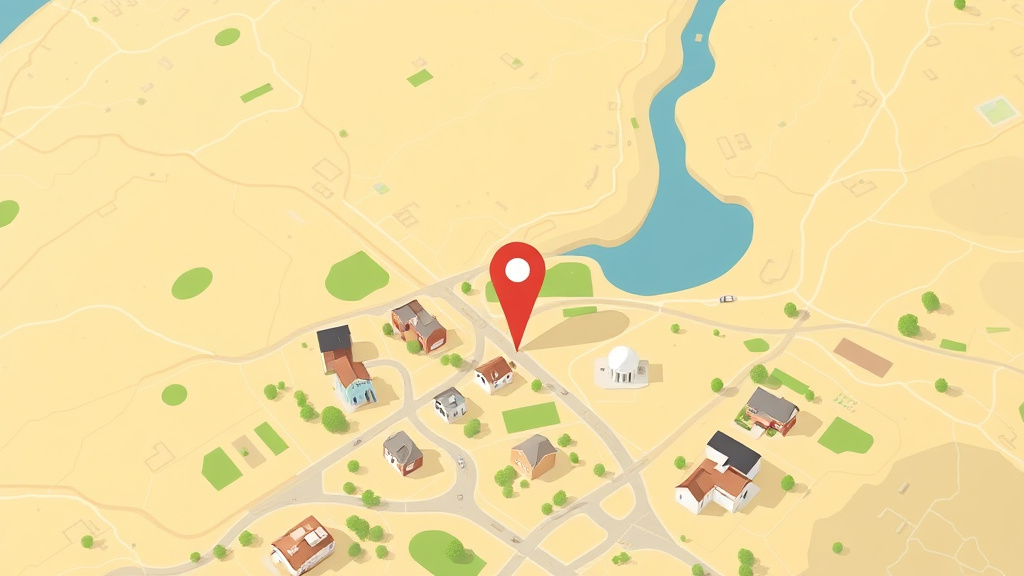
Understanding what google earth can show starts with the basics. We cover using Google Earth and Satellite Imagery in Property Tax Appeals from start to finish here.
Keep your tone professional and factual. Review boards respond to evidence, not complaints. If you walk in with 3 strong comparable sales and a calm, organized presentation, you are already ahead of most appellants.
What Google Earth Can Show
- Lot limitations: Wetlands, steep slopes, irregular shape visible from above
- Proximity to negatives: Distance to highways, commercial zones, industrial areas, railroads
- Property condition: Roof deterioration, overgrown landscaping, visible damage
- Neighborhood context: Overall area character, density, nearby development
- Historical changes: Use the timeline feature to show how the area has changed
Understanding this topic fully means looking at both the big picture and the specific details that apply to your situation. Every property is different, and the strategies that save the most money are the ones tailored to your particular home, location, and circumstances.
Start by gathering the basic facts about your property: its assessed value, the tax rate in your jurisdiction, and any exemptions currently applied. Then compare your situation to what is available. You may find opportunities for savings that you did not know existed.
How to Capture and Present
- Open Google Earth and search your address
- Take screenshots at multiple zoom levels (property, neighborhood, area)
- Use the measurement tool to show distances to negative features
- Use the historical imagery slider to show changes over time
- Print images in color with clear labels and scale references
Understanding this topic fully means looking at both the big picture and the specific details that apply to your situation. Every property is different, and the strategies that save the most money are the ones tailored to your particular home, location, and circumstances.
Start by gathering the basic facts about your property: its assessed value, the tax rate in your jurisdiction, and any exemptions currently applied. Then compare your situation to what is available. You may find opportunities for savings that you did not know existed.
When Aerial Evidence Is Most Useful
- Documenting proximity to highways, rail lines, or commercial areas
- Showing lot shape irregularities or unusable areas
- Demonstrating that your property is different from comparables the assessor used
- Showing before-and-after neighborhood changes
Get Your Evidence Packet
Understanding what google earth can show starts with the basics. Start the Free Quiz | Try the Free Analyzer Read on for the full picture.
When selecting comparables, focus on properties that match yours in the ways that matter most: location, size, age, and condition. A comparable sale from your same neighborhood carries more weight than a lower sale price from across town. Aim for homes that sold within the past 6 to 12 months, and document each one with the address, sale price, sale date, square footage, and any significant differences from your property.
If you cannot find enough sales in your immediate area, expand your search radius gradually. Start within half a mile, then one mile. Explain to the review board why each comparable is relevant to your property, especially if it is not on the same street.
Your Next Steps
Do not let this information sit. Take action this week:
- Review your most recent assessment notice. Pull it out and check every line. Look for errors in square footage, lot size, bedroom count, and property features. Mistakes here are more common than most homeowners realize.
- Pull comparable sales data. Find 3 to 5 similar properties near you that sold recently. If they sold for less than your assessed value, you have the foundation of a strong appeal.
- Check your exemption status. Contact your county assessor's office and confirm which exemptions are currently applied to your property. Many homeowners qualify for exemptions they have never filed for.
- Set a deadline reminder. Find your appeal deadline and put it on your calendar with a 2-week advance warning. Missing the deadline costs you a full year of potential savings.
Why Most Homeowners Overpay
Studies consistently show that a large percentage of residential properties are over-assessed. The Lincoln Institute of Land Policy found that roughly 40% of assessments are off by more than 10%. That is not a rounding error. On a $350,000 home, a 10% overvaluation means you are paying taxes on $35,000 of value that does not exist.
The reason is simple: assessors use mass appraisal models to value thousands of properties at once. They cannot inspect every home individually. The models rely on averages, which means homes that are below average in condition, location, or desirability often get assessed too high. If your home has any characteristics that reduce its value compared to the average home in your area, your assessment may be inflated.
The only way to fix this is to check your assessment yourself. Compare it to actual sales of similar properties. If the numbers do not match, file an appeal. The process exists for exactly this purpose, and homeowners who use it save an average of $1,000 to $3,000 per year.
Appealing does not increase your assessment. In most jurisdictions, the review board can only lower your value or leave it unchanged. There is no downside to filing a well-prepared appeal.
Try our free tools
Frequently Asked Questions
What is Using Google Earth and Satellite Imagery in Property Tax Appeals?
[FAQ_ANSWER_PLACEHOLDER: This answer needs to be generated by AI with specific data, examples, and actionable advice relevant to Using Google Earth and Satellite Imagery in Property Tax Appeals. Target 50-150 words.]
How much does Using Google Earth and Satellite Imagery in Property Tax Appeals cost?
[FAQ_ANSWER_PLACEHOLDER: This answer needs to be generated by AI with specific data, examples, and actionable advice relevant to Using Google Earth and Satellite Imagery in Property Tax Appeals. Target 50-150 words.]
How does Using Google Earth and Satellite Imagery in Property Tax Appeals work?
[FAQ_ANSWER_PLACEHOLDER: This answer needs to be generated by AI with specific data, examples, and actionable advice relevant to Using Google Earth and Satellite Imagery in Property Tax Appeals. Target 50-150 words.]
What are the benefits of Using Google Earth and Satellite Imagery in Property Tax Appeals?
[FAQ_ANSWER_PLACEHOLDER: This answer needs to be generated by AI with specific data, examples, and actionable advice relevant to Using Google Earth and Satellite Imagery in Property Tax Appeals. Target 50-150 words.]
Who needs Using Google Earth and Satellite Imagery in Property Tax Appeals?
[FAQ_ANSWER_PLACEHOLDER: This answer needs to be generated by AI with specific data, examples, and actionable advice relevant to Using Google Earth and Satellite Imagery in Property Tax Appeals. Target 50-150 words.]
How long does Using Google Earth and Satellite Imagery in Property Tax Appeals take?
[FAQ_ANSWER_PLACEHOLDER: This answer needs to be generated by AI with specific data, examples, and actionable advice relevant to Using Google Earth and Satellite Imagery in Property Tax Appeals. Target 50-150 words.]
What should I look for when choosing Using Google Earth and Satellite Imagery in Property Tax Appeals?
[FAQ_ANSWER_PLACEHOLDER: This answer needs to be generated by AI with specific data, examples, and actionable advice relevant to Using Google Earth and Satellite Imagery in Property Tax Appeals. Target 50-150 words.]
Is Using Google Earth and Satellite Imagery in Property Tax Appeals worth it?
[FAQ_ANSWER_PLACEHOLDER: This answer needs to be generated by AI with specific data, examples, and actionable advice relevant to Using Google Earth and Satellite Imagery in Property Tax Appeals. Target 50-150 words.]